What is Agmente?
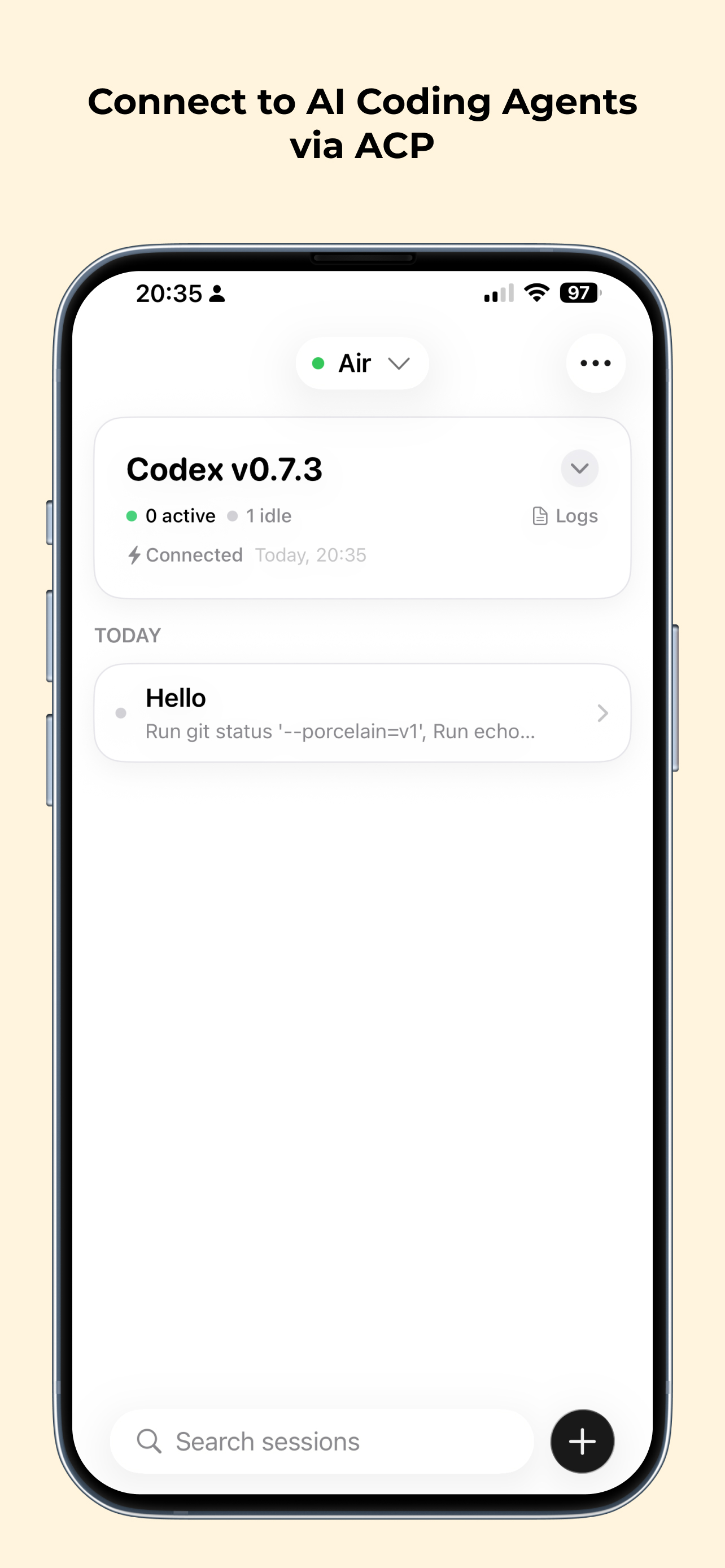
Agmente is an iOS client for the Agent Client Protocol (ACP). It lets you connect to agents running on your computer, chat, and monitor tool execution on the go.
- Chat with Gemini CLI, Claude Code, Qwen, or your own ACP server.
- See tool calls and results as system messages in the transcript.
- Use Cloudflare Tunnel for secure remote access.
Quick Start
- Install Agmente from the App Store.
- Run an ACP-compatible agent on your computer (Codex, Qwen, etc.).
- Bridge stdio to WebSocket with
@rebornix/stdio-to-ws --persist --grace-period 604800. - Add your server in Agmente and start chatting.
Key Capabilities
Multi-Server Support
Connect to multiple ACP-compatible agent servers and switch between Gemini, Claude Code, Qwen, or your own agents.
Tool Call Visibility
Watch your agent work with real-time tool call status and results surfaced in the transcript.
Cloudflare Integration
Expose local agents securely with Cloudflare Tunnel, plus optional Access tokens for authentication.
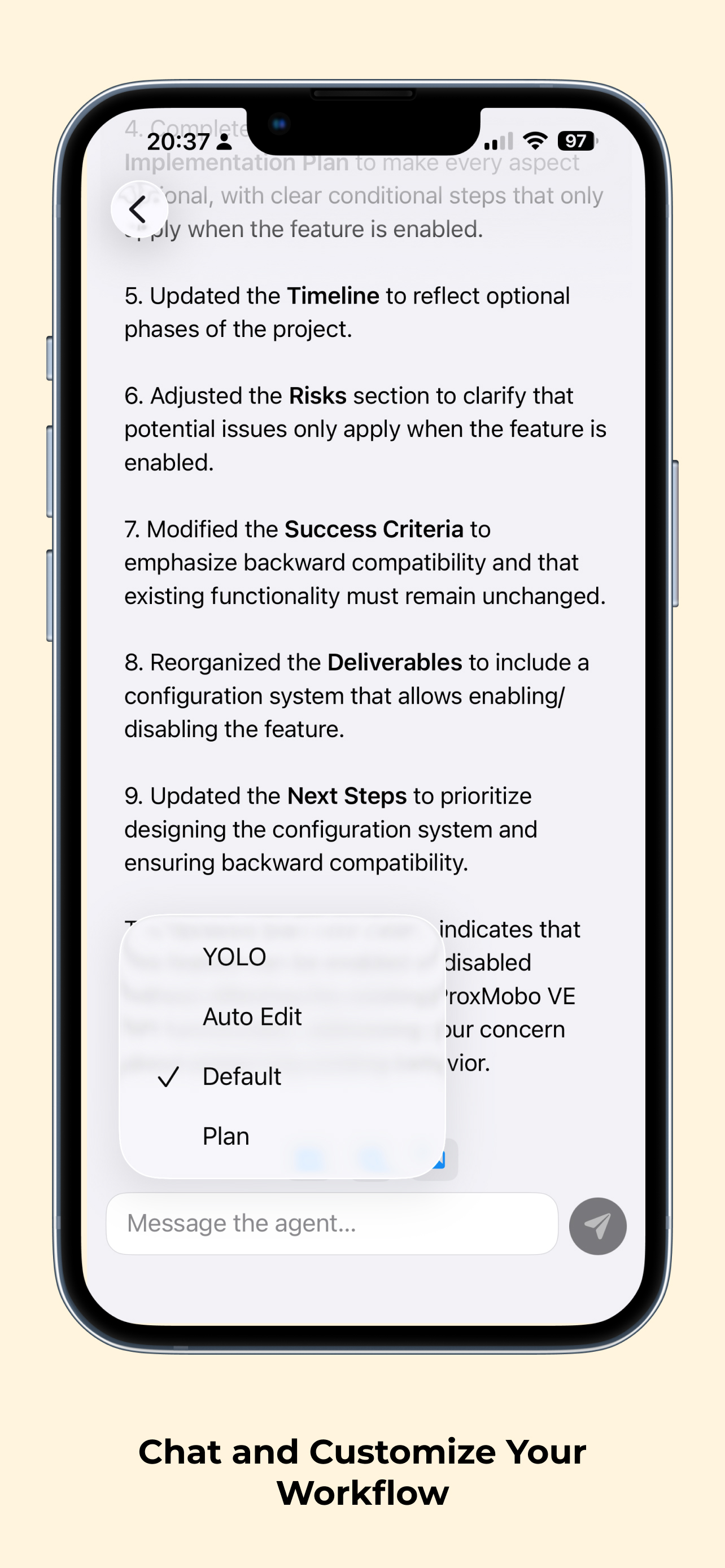
Agent Modes
Switch between modes like Auto Edit, Plan, or YOLO to match your workflow.
For Local Agents
Keep your agent traffic on your network. Use @rebornix/stdio-to-ws to bridge stdio-based agents to WebSocket, then connect over ws:// from the same Wi-Fi network.
Tested agents include Gemini CLI, Claude Code, Qwen, and Mistral Vibe. Qwen provides the best session persistence thanks to session/list and session/load support.
For Remote Access
Use Cloudflare Tunnel to reach your agent from anywhere without opening firewall ports. Add Cloudflare Access service tokens to lock down the endpoint, then configure the credentials in Agmente.
- Stable URLs with named tunnels.
- End-to-end encryption with
wss://. - Optional per-device Access tokens.
Read the tunnel guide to set up a quick or named tunnel.